 Pet Store Tycoon
Explore community store layouts
Each card opens a separate layout guide with its full photo gallery and a closer look at the design. Choose a style to explore; costs and exact floor dimensions are included only when documented.
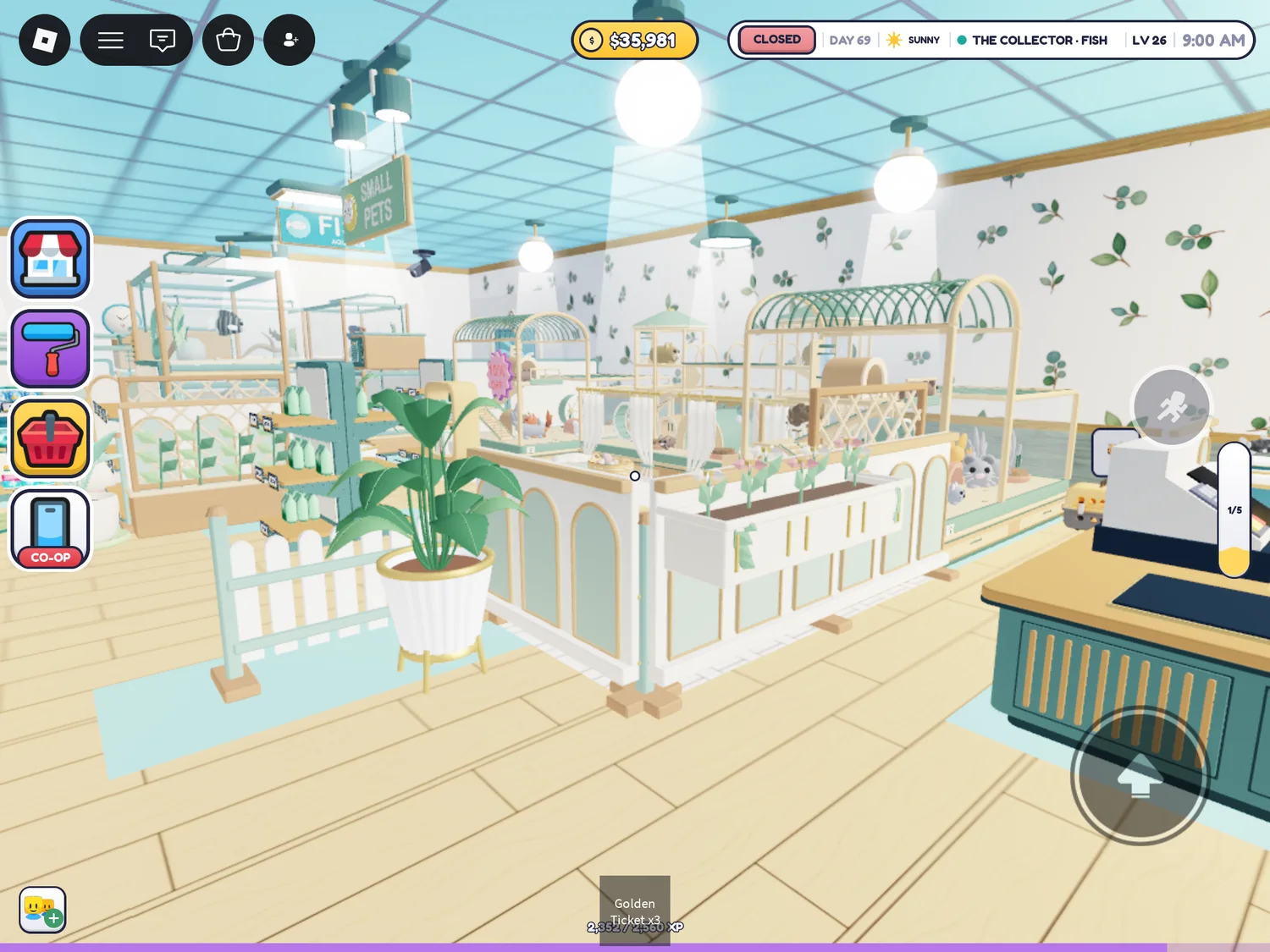
Mint & Botanical
Mint fixtures, leaf wallpaper and matching animal enclosures around pale wooden aisles.
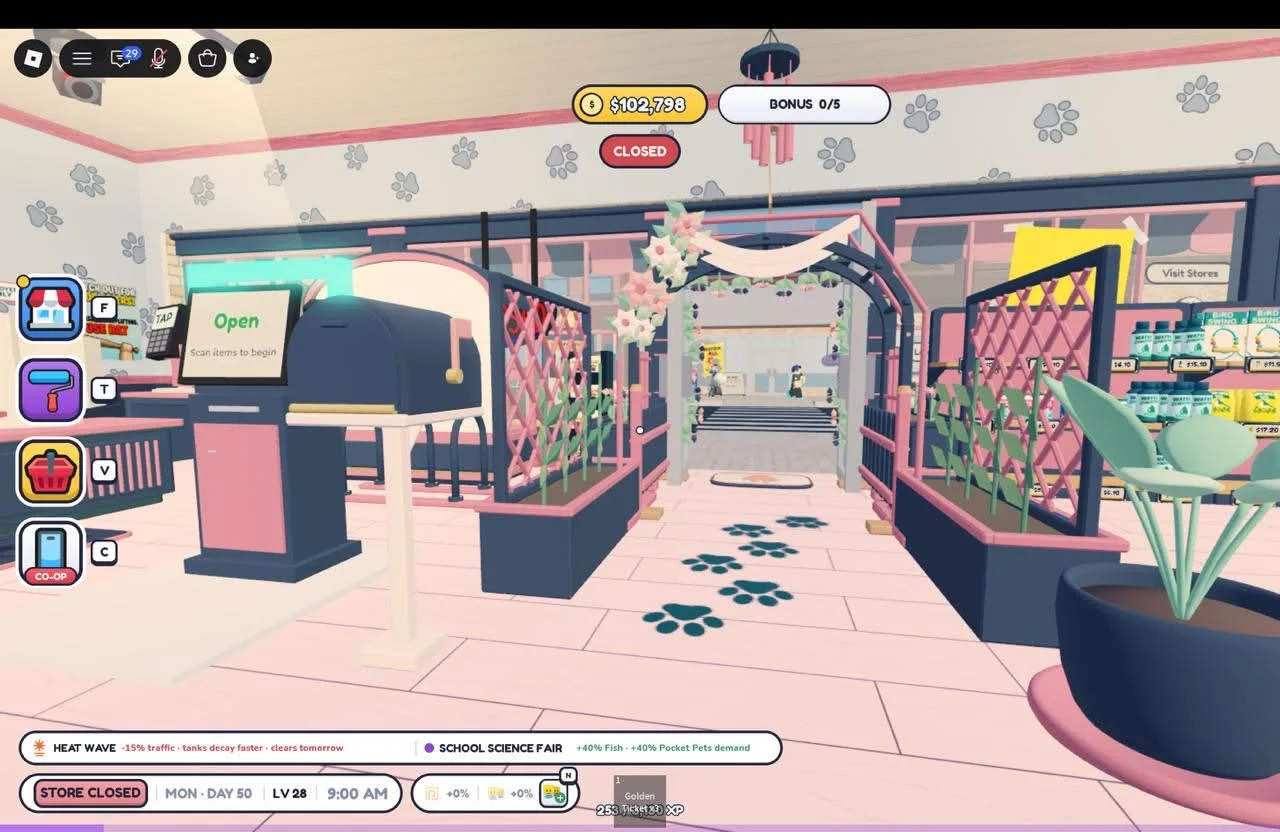
Pastel & Floral
Pink floors, flower-covered arches and planted animal zones. Includes the latest 9-photo showcase and 10 earlier checkerboard views.
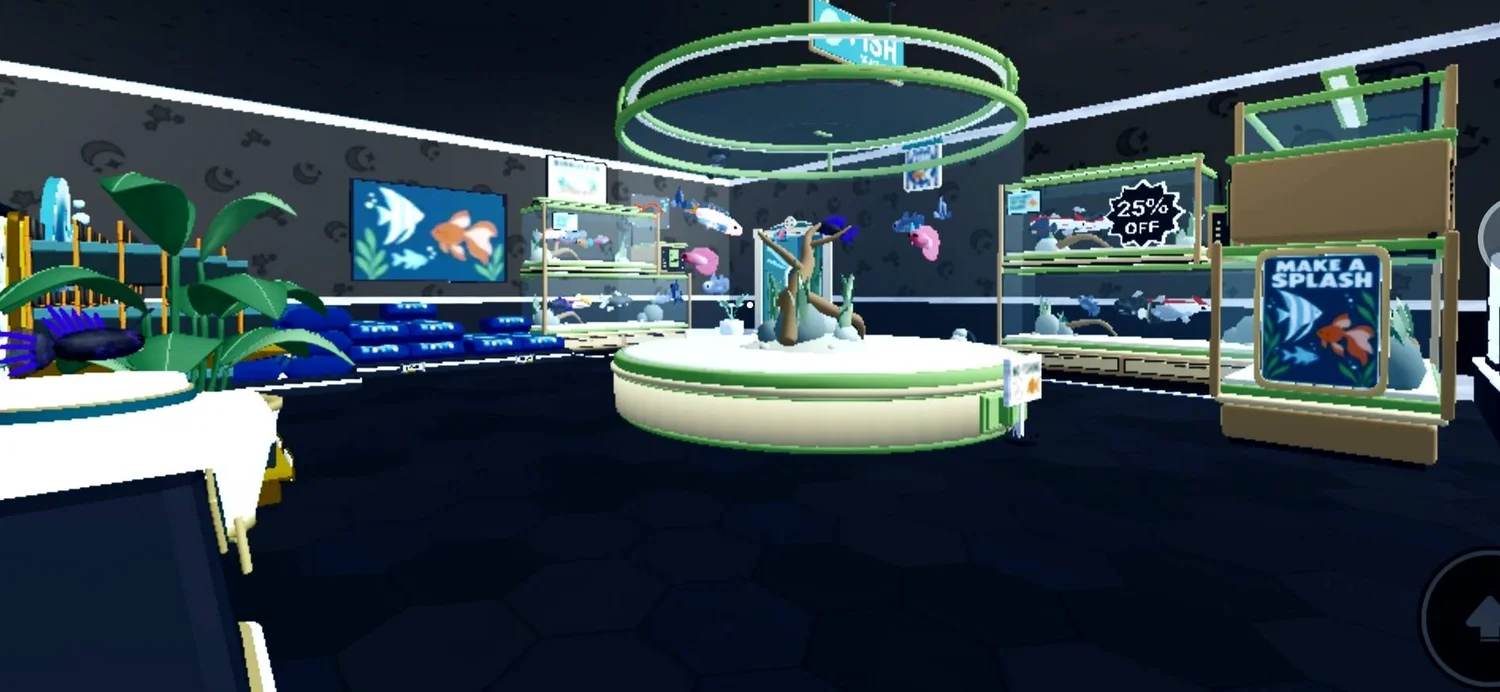
Dark & Neon
Dark hexagonal floors, bright display lighting and mint animal zones with paw-print paths.
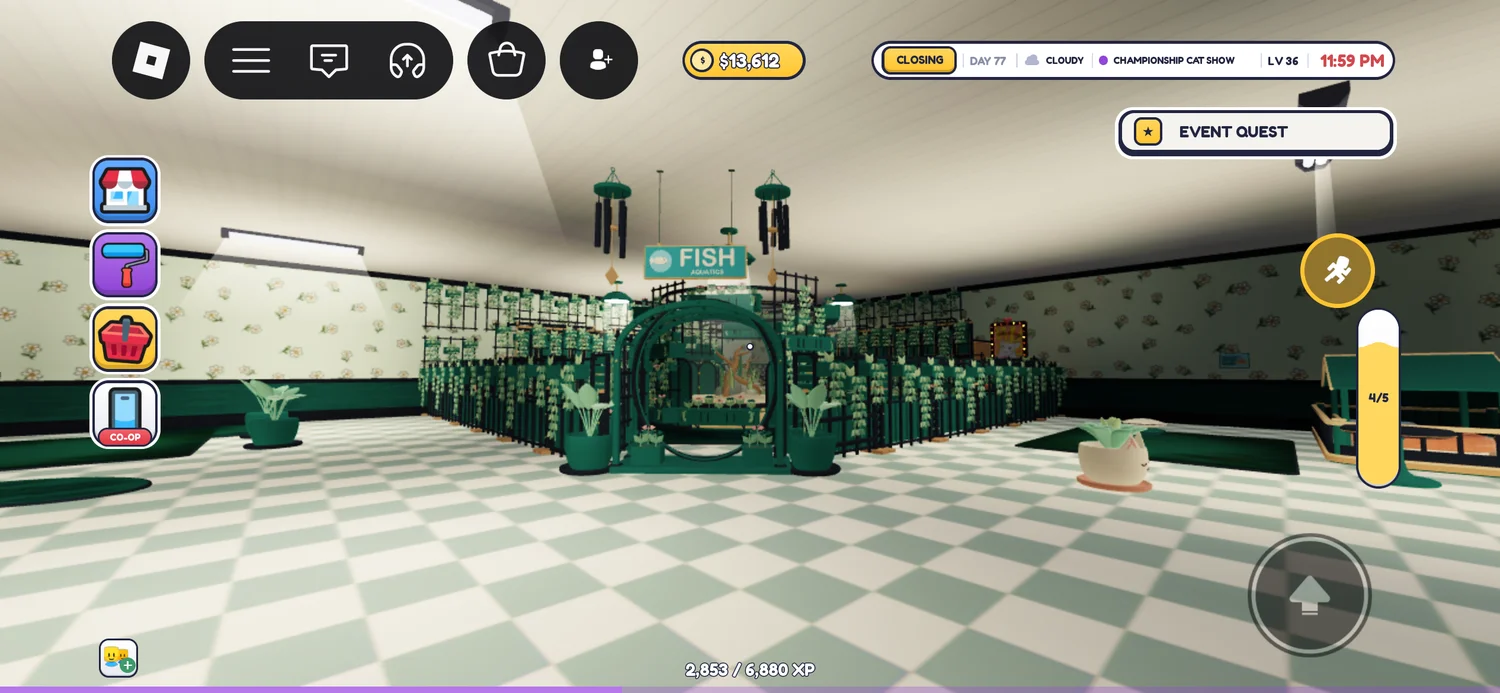
Green Aquarium
A planted aquarium build with a round centrepiece, green arches and pale checkerboard aisles. Shared as a work in progress.
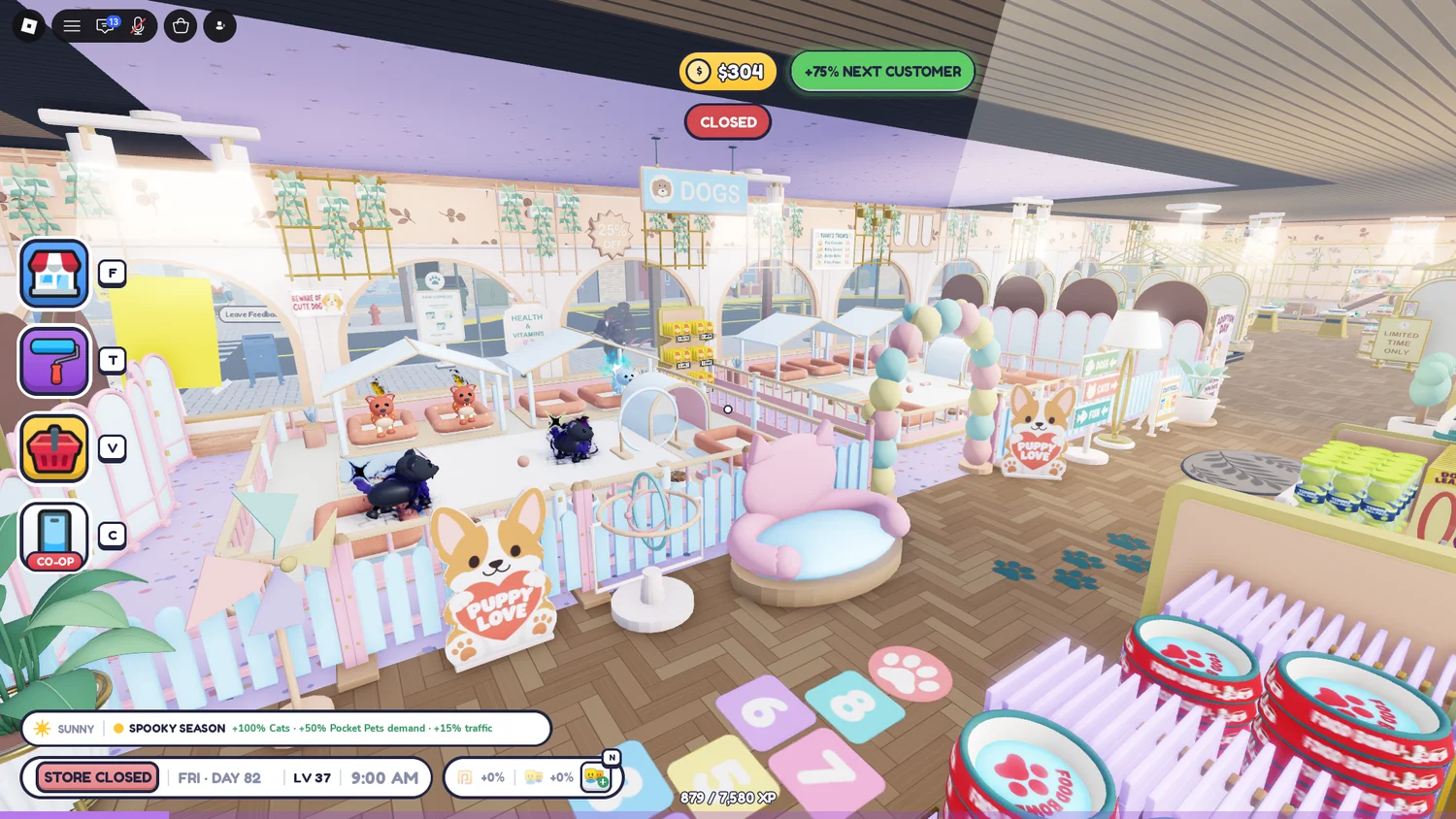
Pastel & Gold
Pastel animal zones, cream-and-gold frames, a pale blue fish area and a blue-and-gold marine room.
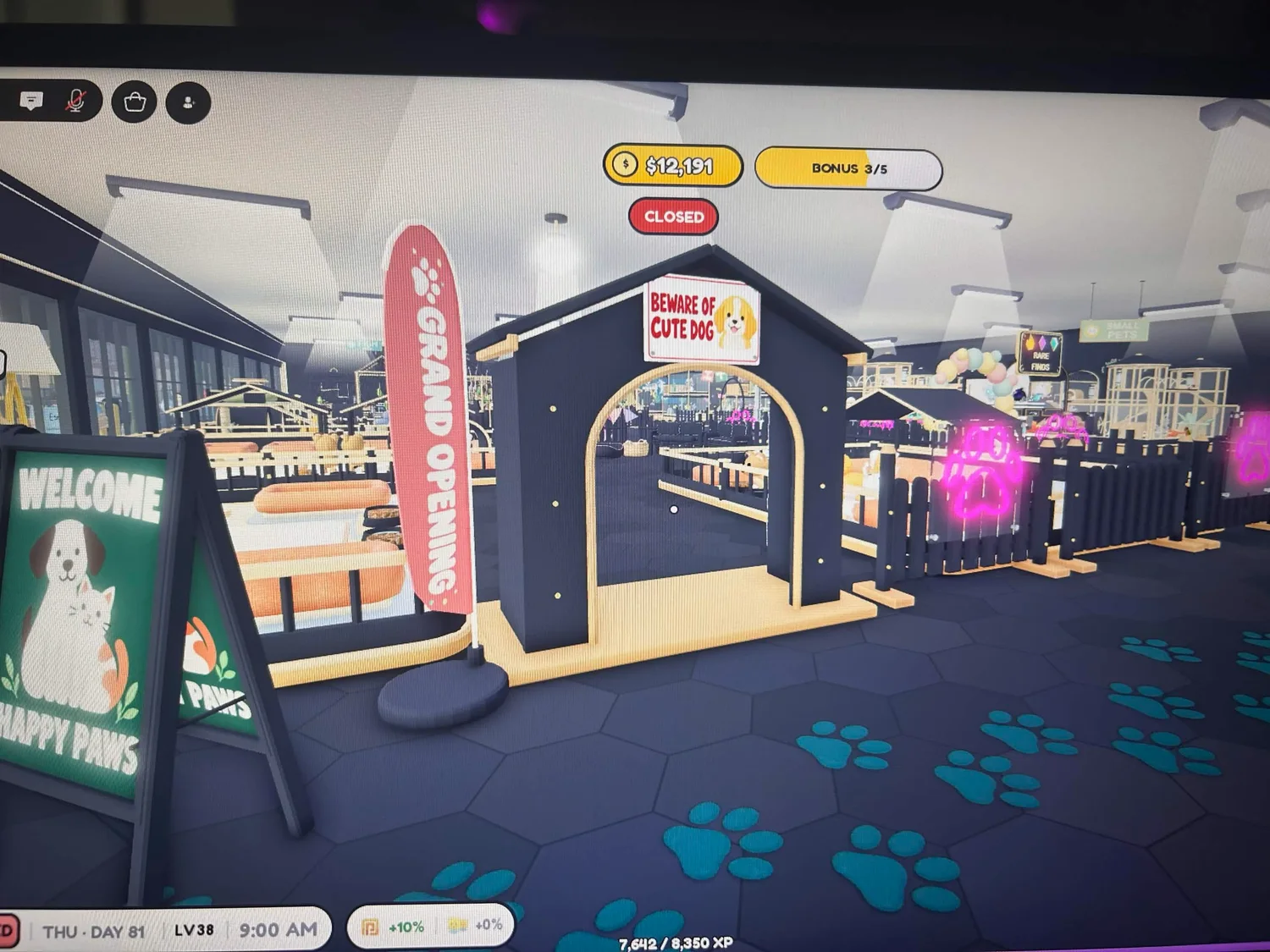
Dark & Teal Paw Paths
Teal paw-print trails connect dark-and-gold animal zones, fish displays and seating corners. The creators say the upstairs is still in progress.
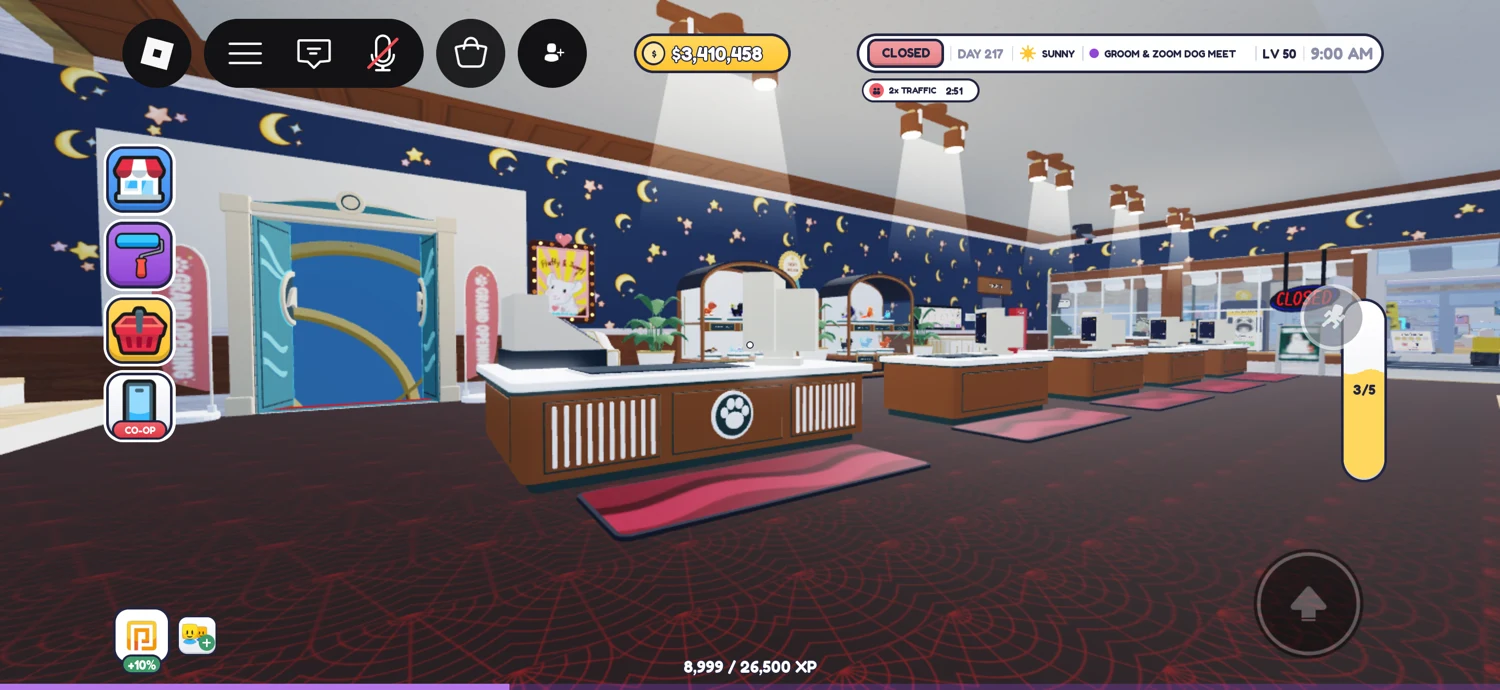
Celestial & Gold
Navy celestial walls, a bright sales floor, white-and-gold animal zones and an aquarium seating corner.
What makes the best layout for your store?
The best layout depends on the space you have unlocked and how you run your store. These examples offer decoration and zoning inspiration; none is a tested maximum-profit layout.
Start with the facilities you use most: checkout, stock and animal-care areas. Leave room to reach them, then add decorative corners. Before buying a full set of decorations, try the arrangement during an open-store session.
| Your priority | What to plan | What to check in game |
|---|---|---|
| Easy daily tasks | A clear route between checkout, shelves and enclosures | Walk the route and complete stocking and care tasks |
| Distinct animal sections | Group enclosures with category signs | Check that each enclosure remains accessible |
| A coordinated appearance | Repeat a small palette across walls, furniture and plants | View the shop from the entrance and both aisle directions |
| Room for future animals | Reserve space before filling every corner | Compare your next unlock with the space you have available |
Plan your own version
Adapt the visual ideas to your current shop rather than assuming you have the same floor space or furniture budget.
- Choose two main colours and one accent. Compare mint-and-cream, pastel checkerboard, dark interiors and a green botanical aquarium.
- Place your checkout, shelves and required enclosures before adding decoration.
- Group animals into named sections and leave a route to each enclosure.
- Add a few repeated plants or wall details, then one optional seating corner.
- Open the store and check customer movement, checkout access and your own restocking and care routes.
- Keep space for your next animal unlock. Compare the category requirements in the animal guide before buying more enclosures.
Common questions
What is the best layout in Pet Store Tycoon?
Choose a layout that fits your unlocked space and keeps your checkout, shelves and enclosures accessible. The featured stores provide design inspiration; no single layout here has been tested as the highest-earning option.
Where can I find Pet Store Tycoon store design ideas?
Open a featured case above to see its full gallery, creator credits and design notes. Compare colours, animal grouping, entrance treatments and decorative corners.
Can I use these ideas in a small or starter store?
Adapt the colours and animal grouping to the space you have. These complete builds are not documented as starter-store plans, and their exact dimensions are unknown.
Sources & review notes
Community player showcase, October 11, 2026; reviewed October 12, 2026. Visual inspiration, not a performance test.
Community player showcase; reviewed October 12, 2026. Visual inspiration, not a performance test.
Community player showcase; reviewed October 12, 2026. Visual inspiration, not a performance test.
Community player showcase; reviewed October 12, 2026. Visual inspiration, not a performance test.
Community player showcase; reviewed October 12, 2026. Visual inspiration, not a performance test.
Community player showcase; reviewed October 13, 2026. Upstairs remains in progress according to the creators. Visual inspiration, not a performance test.
Community player showcase posted October 12, 2026; reviewed October 13, 2026. Nine new screenshots; visual inspiration, not a performance test.
Community player showcase posted October 12, 2026; reviewed October 13, 2026. Visual inspiration, not a performance test.
Community player showcase posted October 12, 2026; reviewed October 13, 2026. Visual inspiration, not a performance test.
Community player showcase posted October 12, 2026; reviewed October 13, 2026. Visual inspiration, not a performance test.
How we checked this page
Community showcases from Already Arrived Studios’ #share-your-petstore, reviewed October 12–13, 2026. Each case credits its creator and links to the original photo post. Descriptions are visual observations and planning suggestions. Exact dimensions, build costs, customer pathfinding and income have not been measured.
This page covers the Already Arrived Studios game unless a section explicitly identifies the legacy experience. Check your version ↗